Rydflow
From quote to road, Rydflow and Motive give ground transportation operators complete visibility across their business in one seamless workflow.
Description
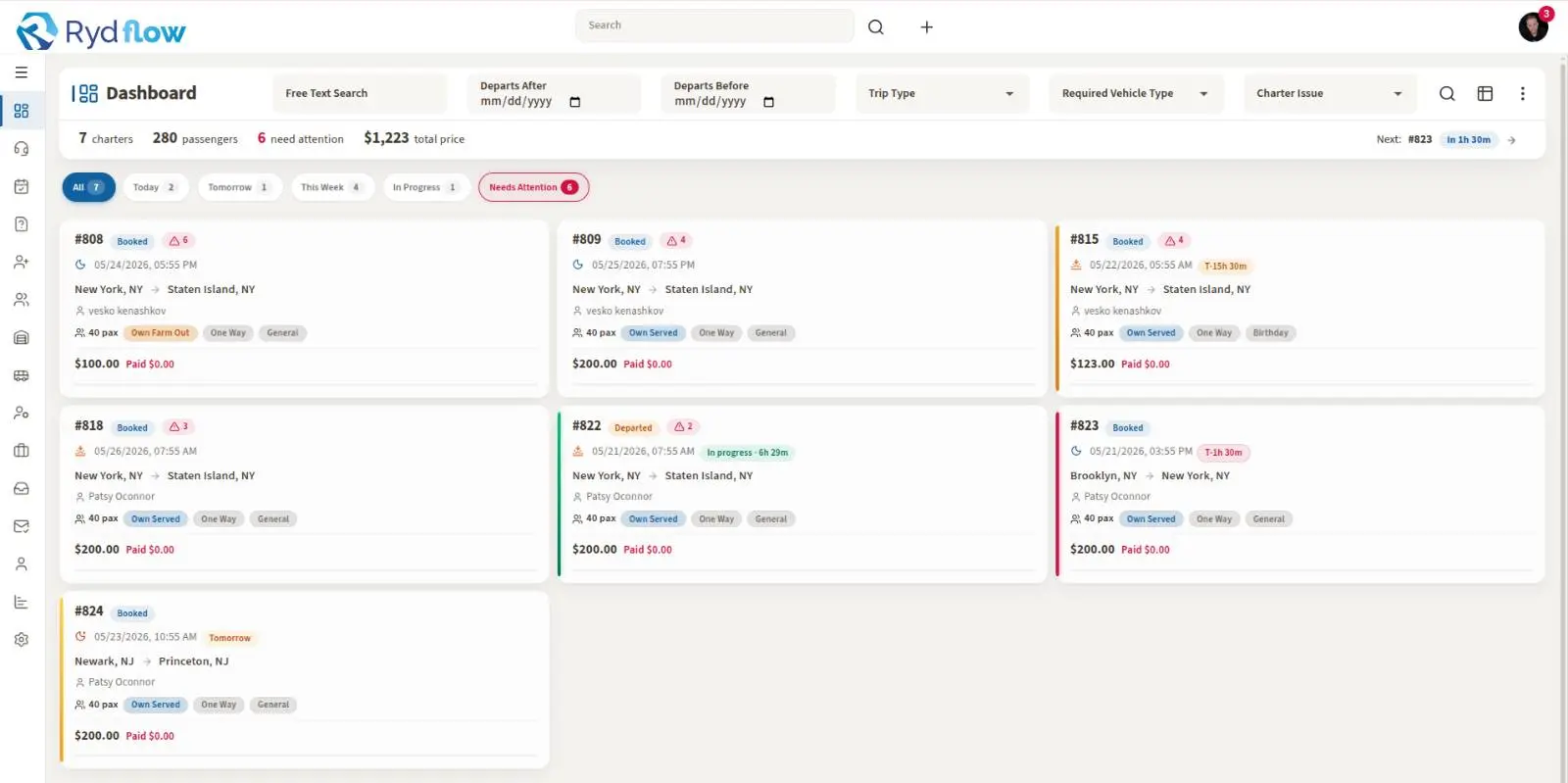
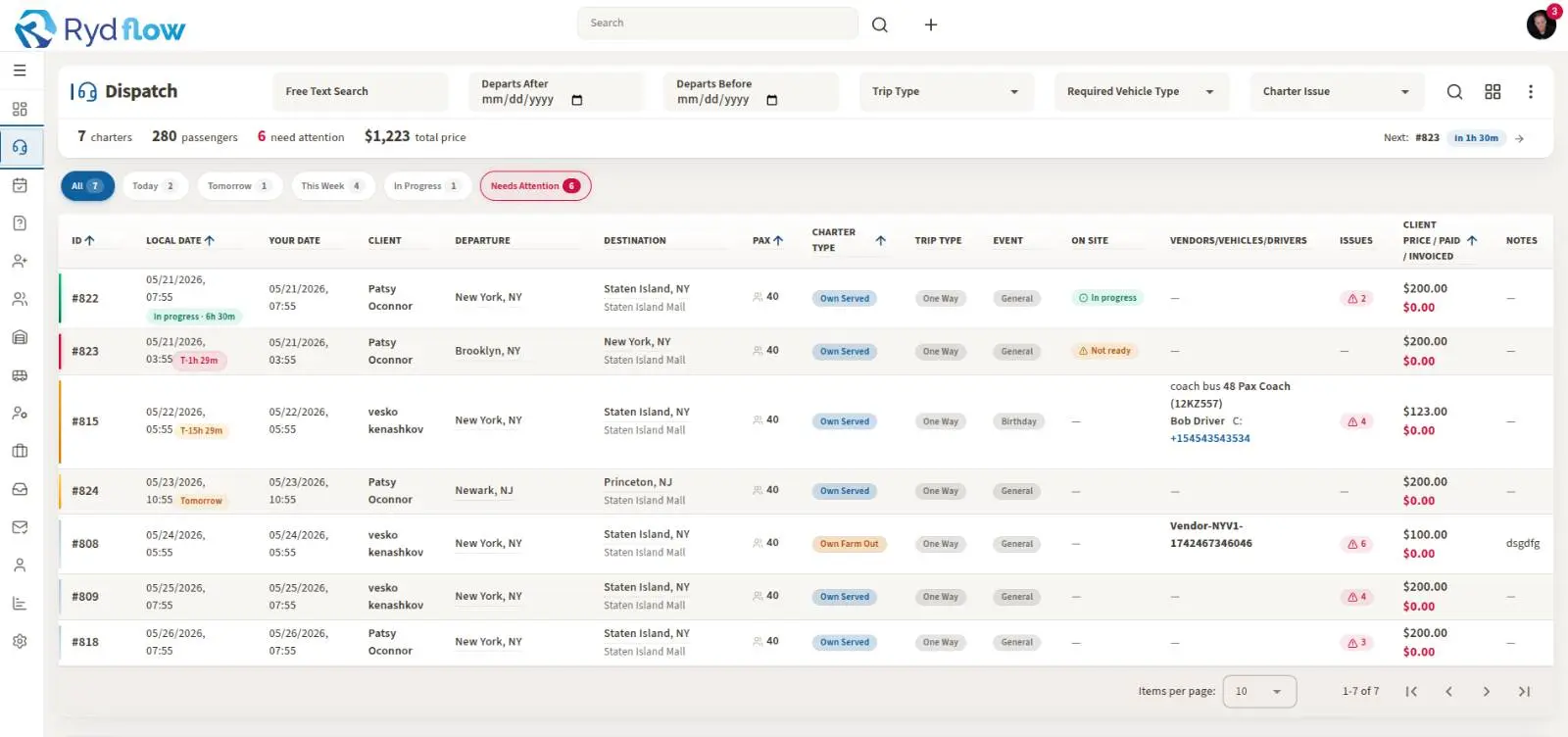
Rydflow is a powerful quoting, routing, and safety platform purpose-built for the Limo and Coach Transportation industry. This integration connects Motive’s real-time fleet telematics directly into Rydflow, giving coach and limo operators complete visibility across their business in one seamless workflow.
By using Motive’s real-time APIs, operators can now see exactly where their vehicles are, confirm driver compliance status, and do routing with confidence — all before confirming a single booking.
Key Benefits
When these features are enabled, they allow you to:
- Real-Time Vehicle Tracking : – See every vehicle's live location, motion, idle, or availability status directly in Rydflow before assigning bookings.
- Driver Compliance at a Glance: – Pull live HOS and ELD status into dispatch decisions to confirm compliance before confirming any trip.
- Incident Review: – Access camera connection status and footage within Rydflow to support insurance and compliance investigations instantly.
- Driver Safety & Performance: – Surface harsh braking, speeding, and rapid acceleration events in-workflow for coaching and risk reduction.
- No Double Data Entry: – Vehicle and driver data syncs automatically between Motive and Rydflow, eliminating manual updates and duplicate records.
Shared data
Data
Vehicles
Vehicles
Users
Users
Driver Performance Events
Driver Performance Events
Vehicle Locations
Vehicle Locations
Camera Connections
Camera Connections

Data
Vehicles
Vehicles
Users
Users
Driver Performance Events
Driver Performance Events
Vehicle Locations
Vehicle Locations
Camera Connections
Camera Connections
Media
Additional Details
Refer to these resources for setup and support details:
The coach/limo vendor needs to register in crm.rydflow.com and then go to Settings → GoMOtive Integration → Connect to GoMotive