



LoadOps by Optym
Connect your Motive ELD to LoadOps TMS to sync Driver Location and HOS Data
Description
Connect LoadOps with Motive to enhance your transportation management system, whether managing in-house fleets or external partners. This integration uses twelve API endpoints to sync driver locations, HOS data, and asset information, supporting efficient dispatching and compliance.
Key BenefitsThis integration provides:
Key BenefitsThis integration provides:
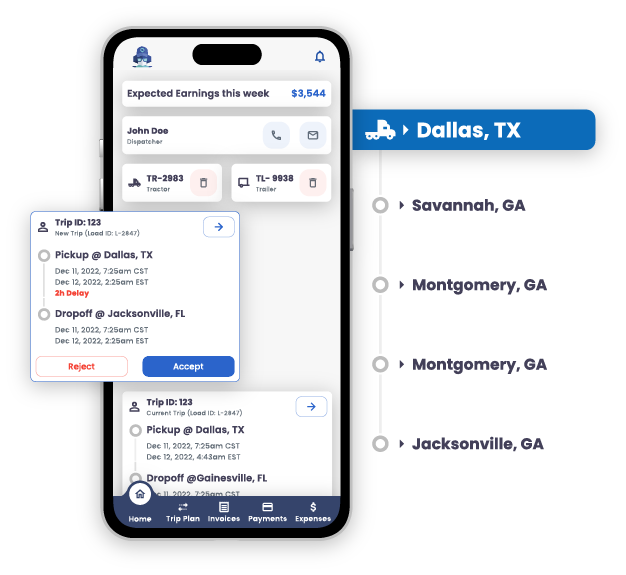
- Real-Time Location and HOS Syncing: Pull driver and vehicle locations, HOS data, and available time to enable accurate dispatching, scheduling, and compliance monitoring within LoadOps.
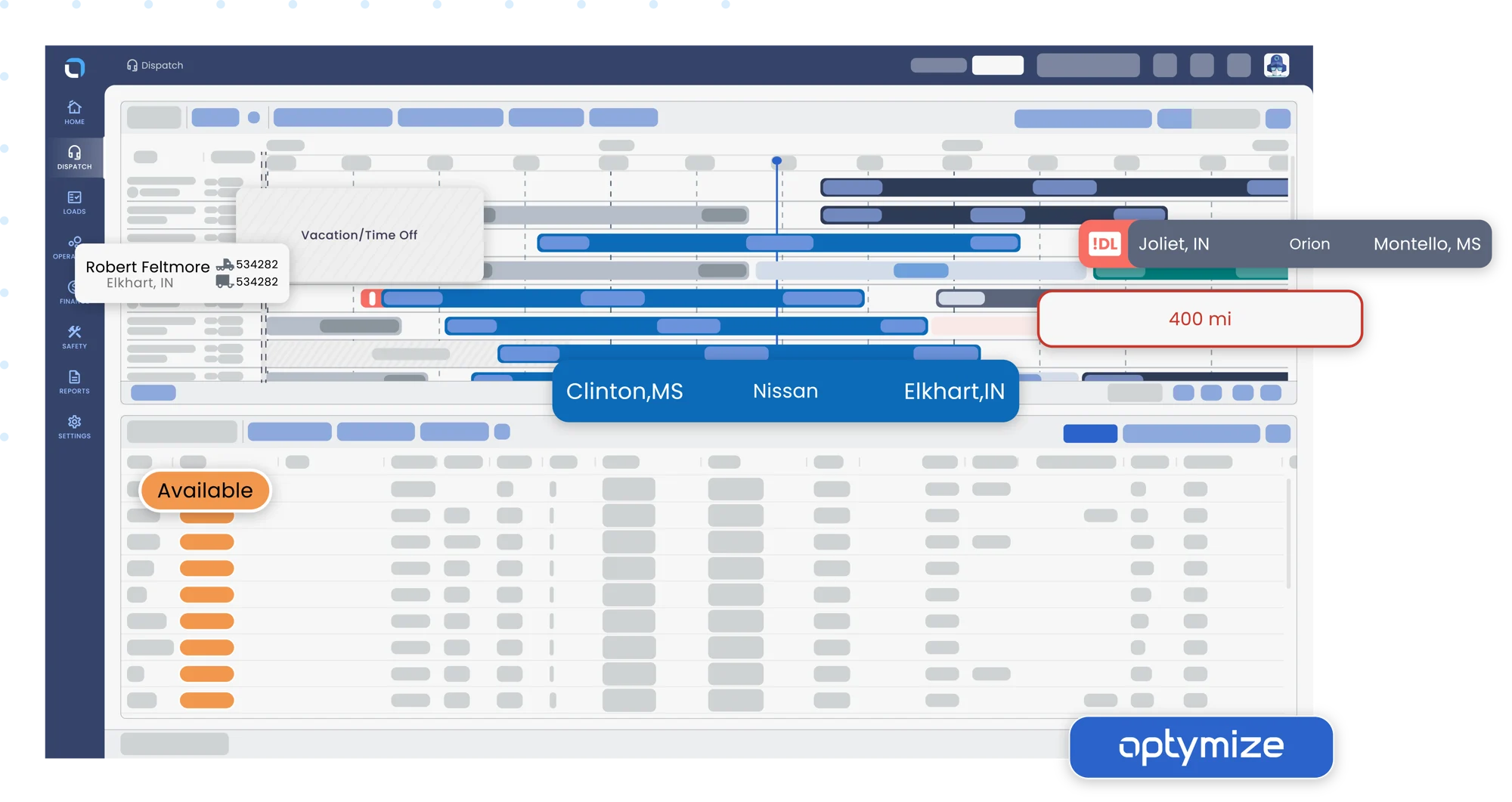
- Streamlined Dispatching and Scheduling: Use synced Logs, HOS, available time, and locations to identify driver utilization, availability, gaps, and assignment opportunities on a single page.
- IFTA Compliance Support: Access IFTA trips and summaries for automated reporting, reducing manual effort and ensuring regulatory adherence across states.
- Enhanced Fleet Organization: Sync user and group data to facilitate team coordination, driver assignments, and overall operational visibility in a unified TMS platform.
Shared data
Data
Users
Users
Logs
Logs
HOS
HOS
Assets
Assets
Asset Locations
Asset Locations
Vehicles
Vehicles
Vehicle Locations
Vehicle Locations
IFTA Summary & Trips
IFTA Summary & Trips


Data
Drivers
Drivers
Logs
Logs
HOS
HOS
Assets
Assets
Asset Locations
Asset Locations
Vehicles
Vehicles
Vehicle Locations
Vehicle Locations
IFTA Summary & Trips
IFTA Summary & Trips
Media
Additional Details
Refer to these resources for setup and support details:
Follow these steps to integrate on LoadOps:
- Login to LoadOps with an Admin account
- Go to Settings > Integrations > ELDs > click Add ELD Integration
- Select Motive within the ELD Provider field and modify the Display Name in case you have multiple Motive accounts
- Click Add to be redirected to the Motive login page
- Enter your username and password associated with your Motive admin account and click Login
- Click Install when asked to install live
You should be automatically redirected back to the Loadops > Integrations > ELDs page with your activated Motive details.
Now you can create or link your drivers by clicking the Manage button.