


LoadAi by Optym
LoadAi seamlessly integrates with Motive to automate load planning and optimize fleet operations using real-time telematics and driver data.
Description
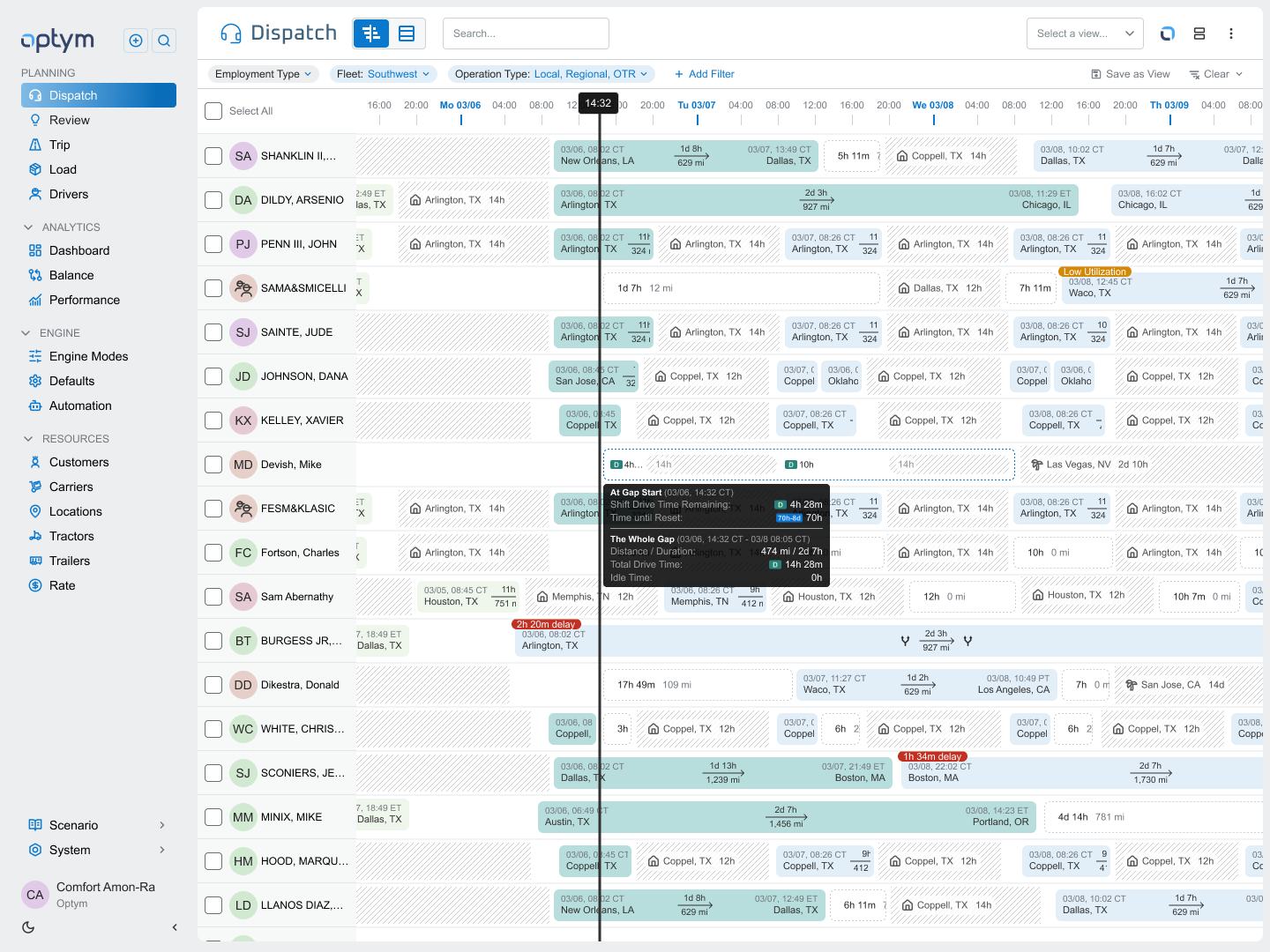
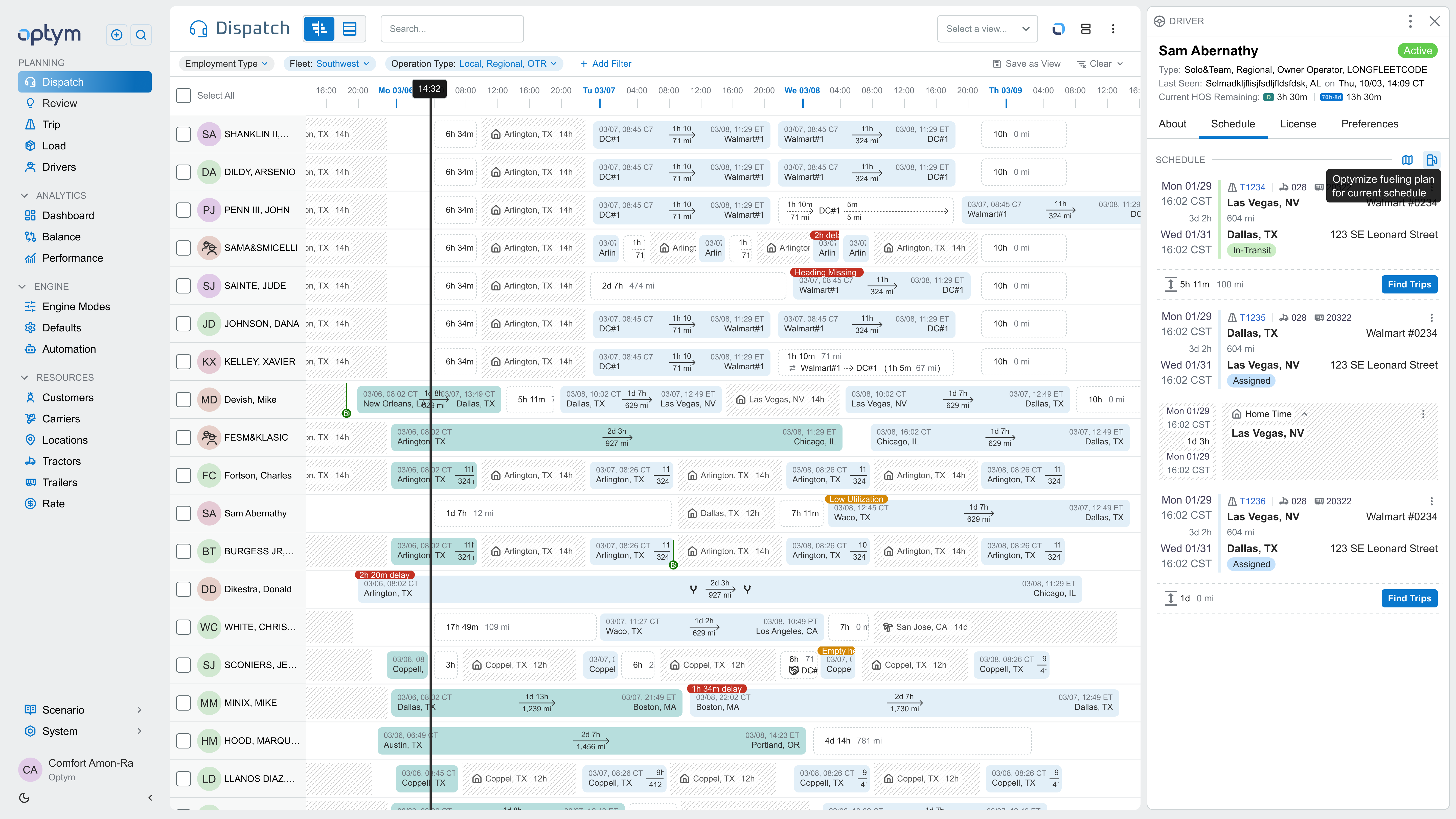
Supercharge your dispatch optimization and load planning with LoadAI + Motive. LoadAI uses live data from Motive's robust API, such as driver HOS, availability, real-time locations, and logs,s to automatically recommend the best truck and driver matches for every load. Get smarter assignments, fewer empty miles, higher utilization, and better on-time performance, all without leaving your load planning workflow.
Key Benefits
This integration delivers:
Key Benefits
This integration delivers:
- AI-Powered Load Matching: Instantly see the optimal driver and truck for each load based on current HOS, location, availability, and equipment—saving hours of manual planning.
- Reduced Empty Miles: Fill backhauls and balance loads smarter by using live fleet data to match nearby drivers with available hours, boosting revenue per mile.
- Higher On-Time Delivery: Accurate ETAs and optimized routing recommendations help you hit delivery windows consistently, improving customer satisfaction.
- Built-In Compliance & Efficiency: Automatic HOS and log checks prevent violations while freeing dispatchers to focus on exceptions and strategy instead of spreadsheets.
Shared data
Data
Users
Users
Driver Locations
Driver Locations
HOS
HOS
Logs
Logs
Vehicles
Vehicles
Vehicle Locations
Vehicle Locations
Assets
Assets
Asset Locations
Asset Locations
Groups
Groups

Data
Users
Users
Driver Locations
Driver Locations
HOS
HOS
Logs
Logs
Vehicles
Vehicles
Vehicle Locations
Vehicle Locations
Assets
Assets
Asset Locations
Asset Locations
Groups
Groups
Media
Additional Details
Refer to these resources for setup and support details:
- Login to LoadAI with an Admin account
- Go to Settings > Integrations > ELDs > click Add ELD Integration
- Select Motive within the ELD Provider field and modify the Display Name in case you have multiple Motive accounts
- Click Add to be redirected to the Motive login page
- Enter your username and password associated with your Motive admin account and click Login
- Click Install when asked to install live
You should be automatically redirected back to the LoadAI > Integrations > ELDs page with your activated Motive details.